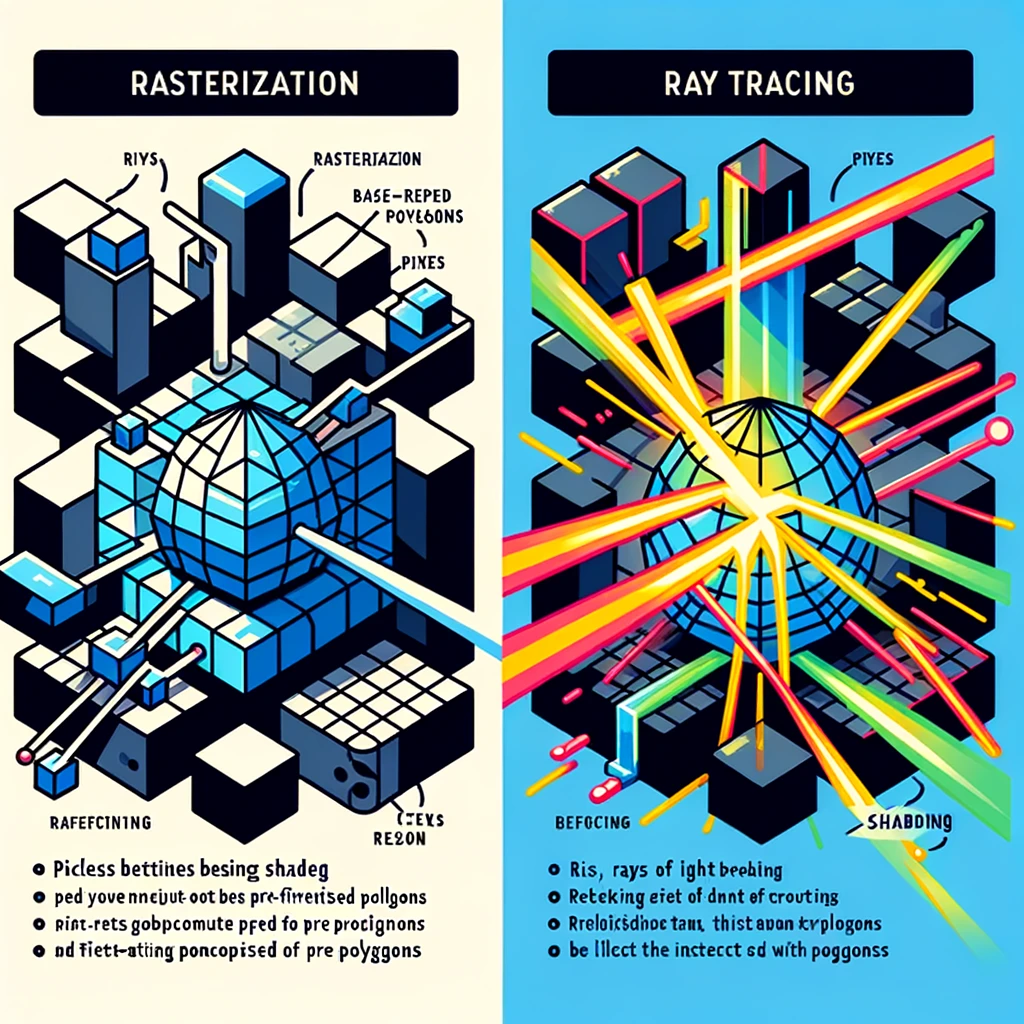
I’m unable to directly enhance the resolution of an image. However, I can suggest a few ways you could do this:
-
Image Editing Software: Programs like Adobe Photoshop have features that allow you to increase the resolution of an image. When doing so, it’s important to note that the quality may not improve, as the software has to guess what the image should look like at higher resolutions.
-
AI-Based Tools: There are online services that use artificial intelligence to enhance the resolution of images. These services can often produce better results than traditional image editing software because they use machine learning models that have been trained on millions of images.
-
Vectorization: For diagrams and illustrations, vectorization can be an effective way to increase resolution. This process involves converting the raster image (composed of pixels) into a vector graphic (composed of paths). Vector images can be scaled to any size without loss of quality. Tools like Adobe Illustrator can do this, as can some online services.
-
Redraw or Recreate: If it’s a simple diagram, redrawing it in a vector-based drawing program will give you the best quality for enlargement, as the image can then be scaled to any size without loss of detail.
If you have access to any of these tools or services, they could help you to increase the resolution of the image you’ve provided.